

SPECIFICATIONS
Accessories Type: Controller Adapter
Brand Name: RetroScaler
Choice: yes
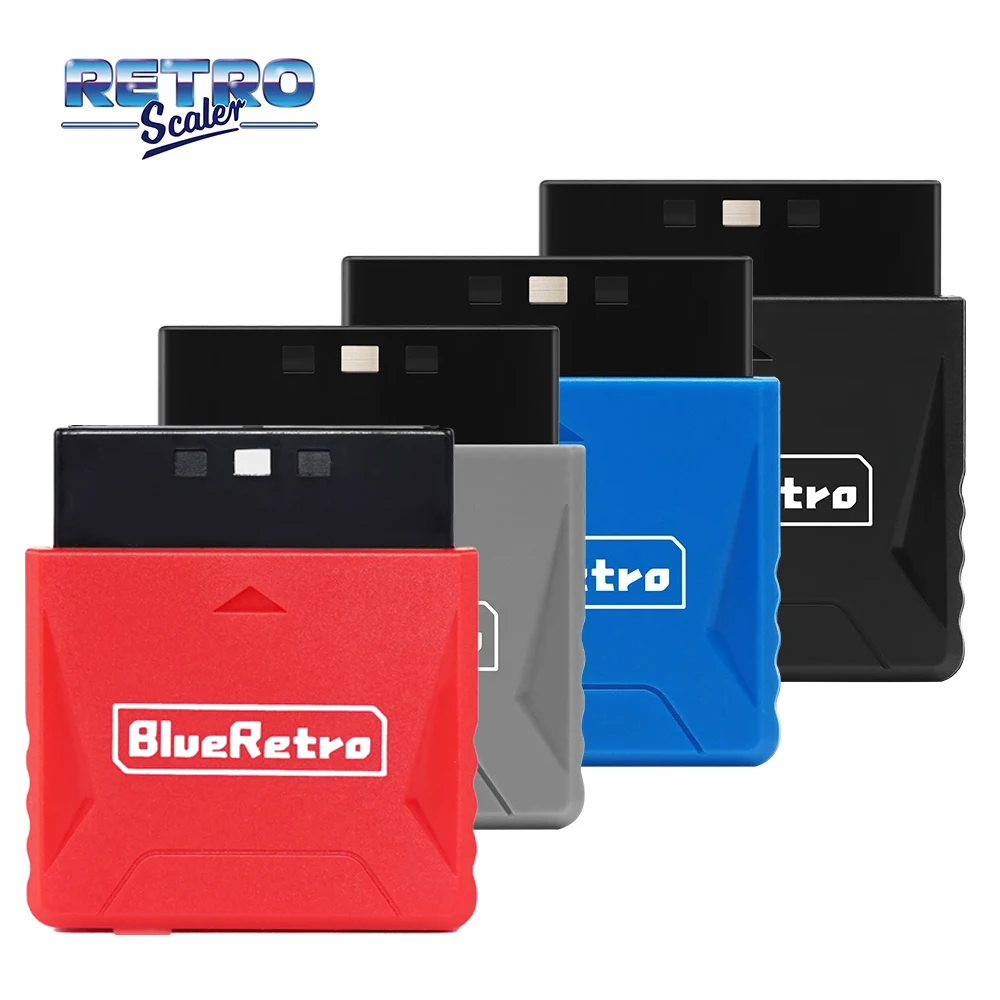
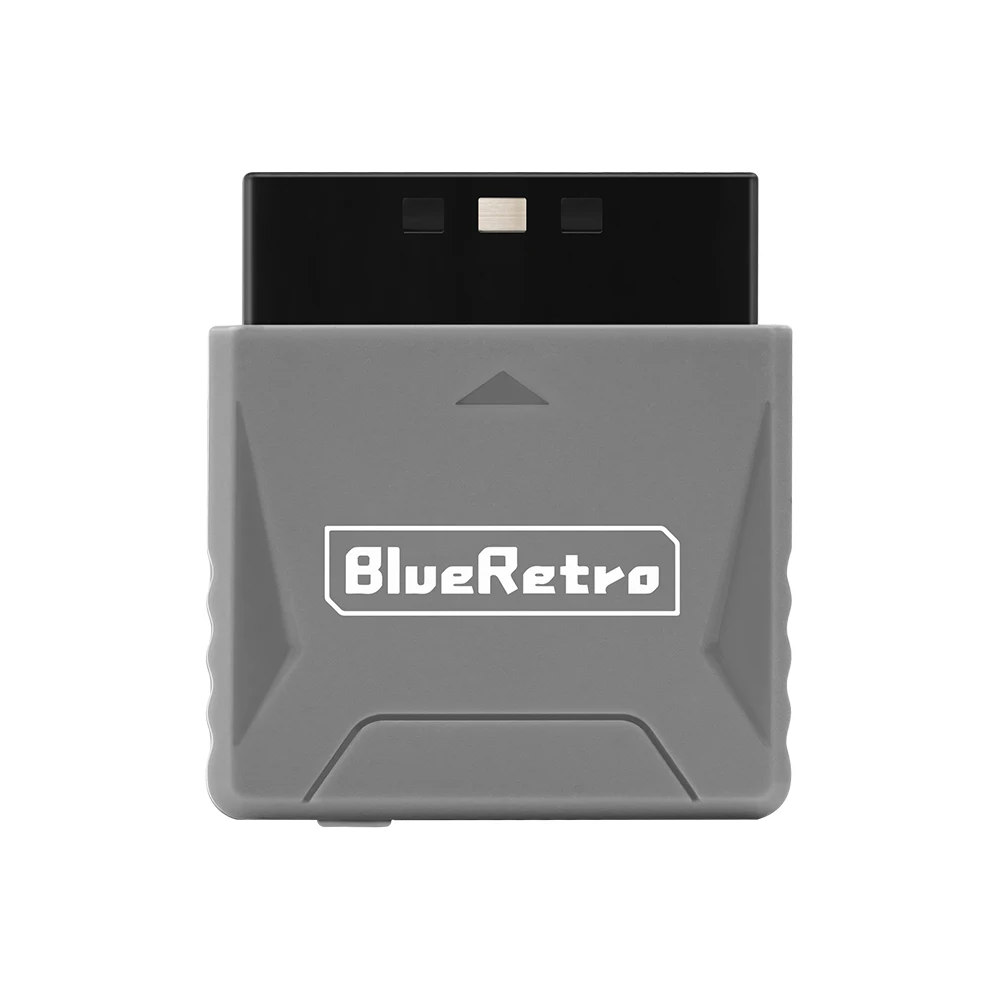
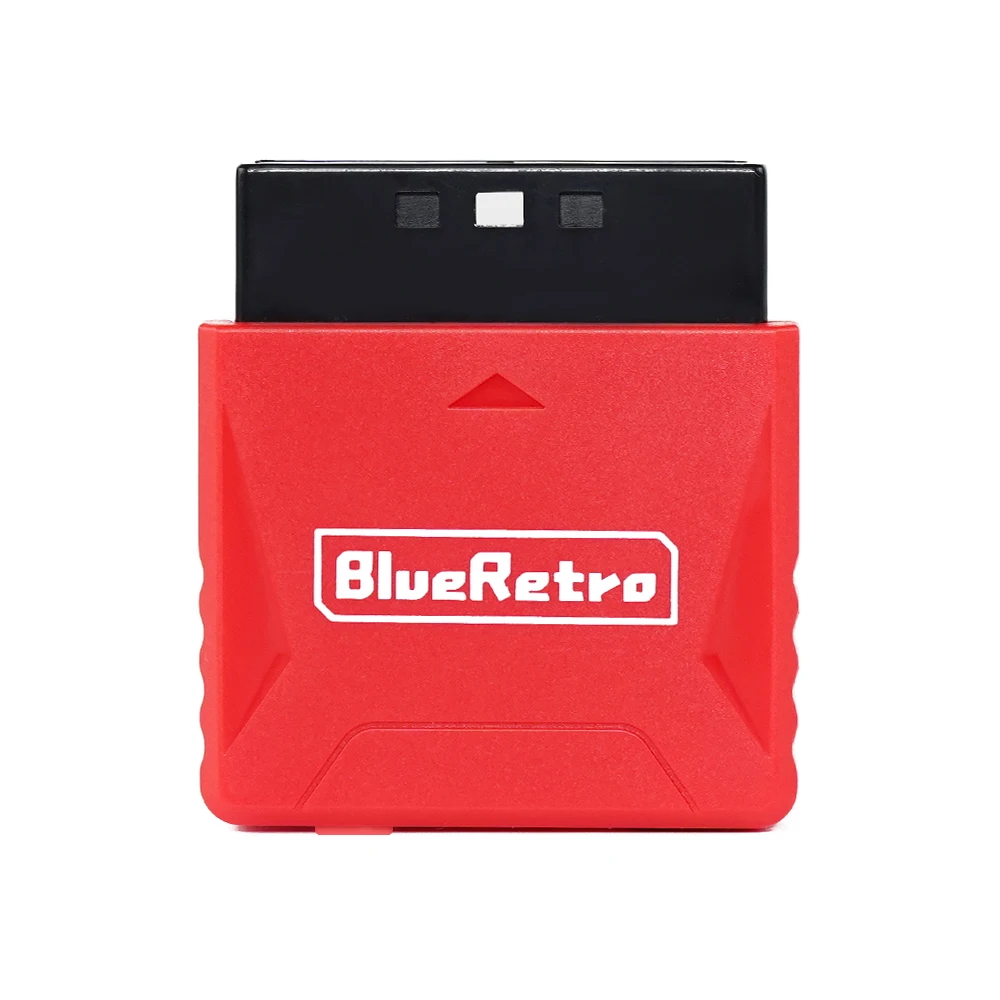
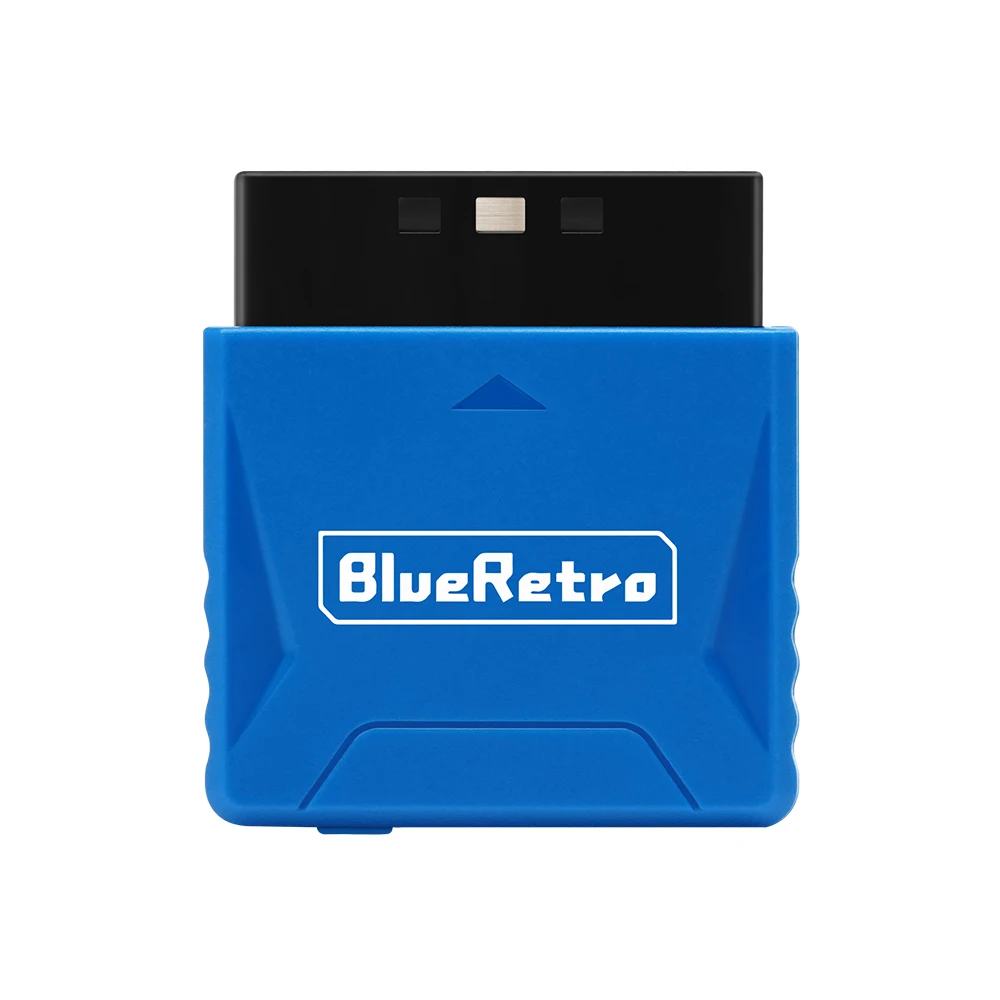
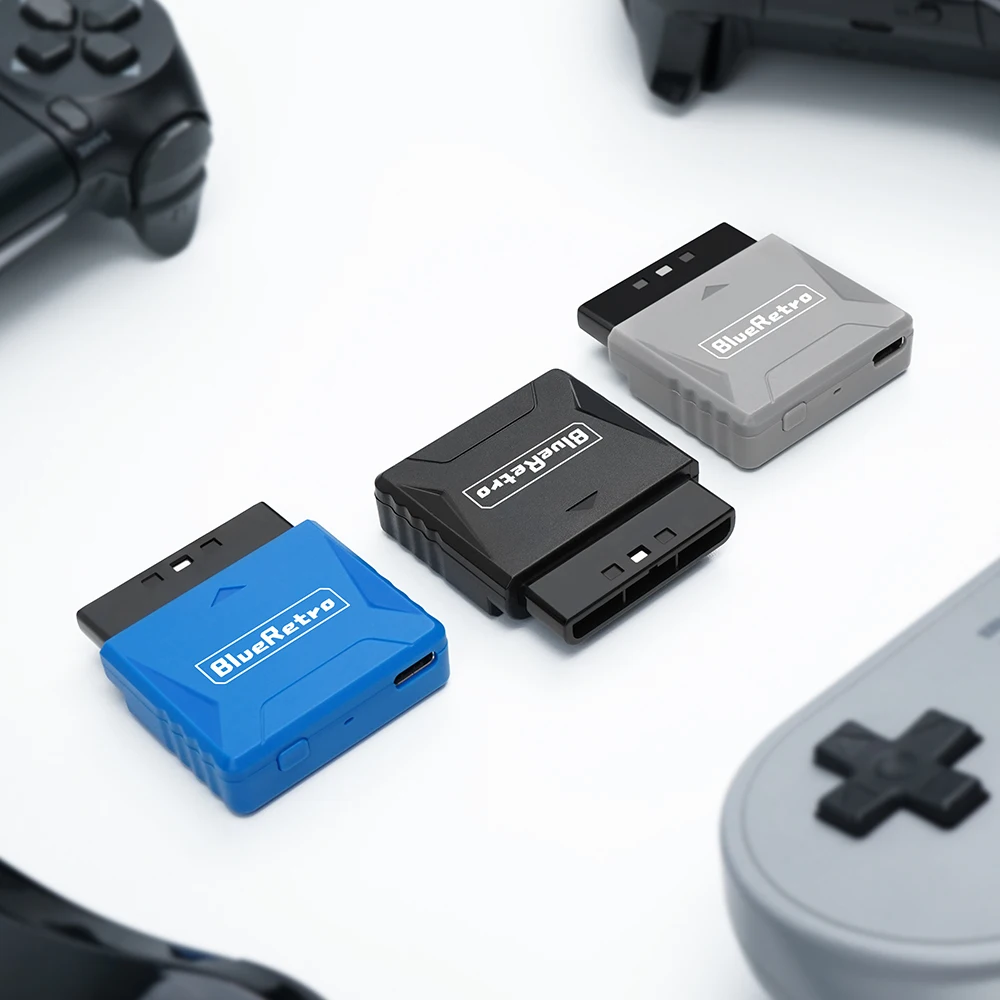
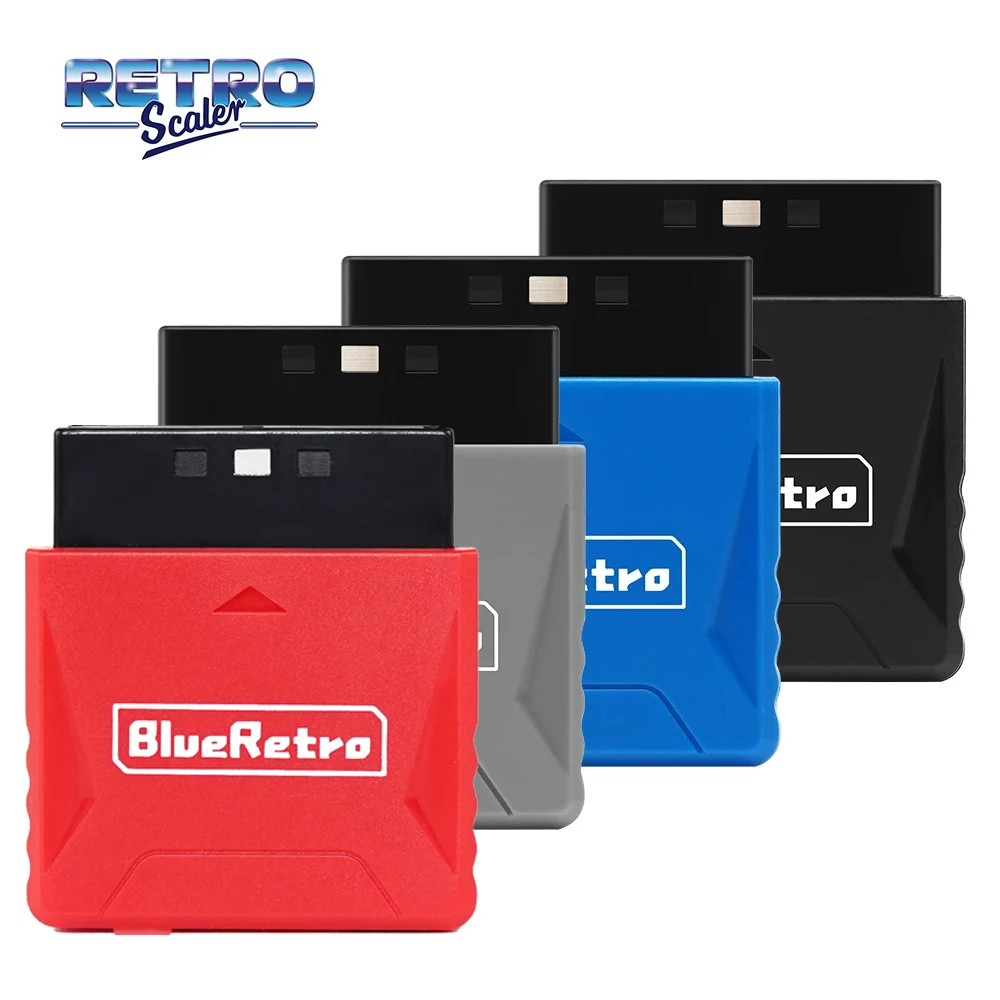
Color: Grey / Blue / Black
Compatible Brand/Model: Sony
Compatible Sony Model: playstation2,playstation
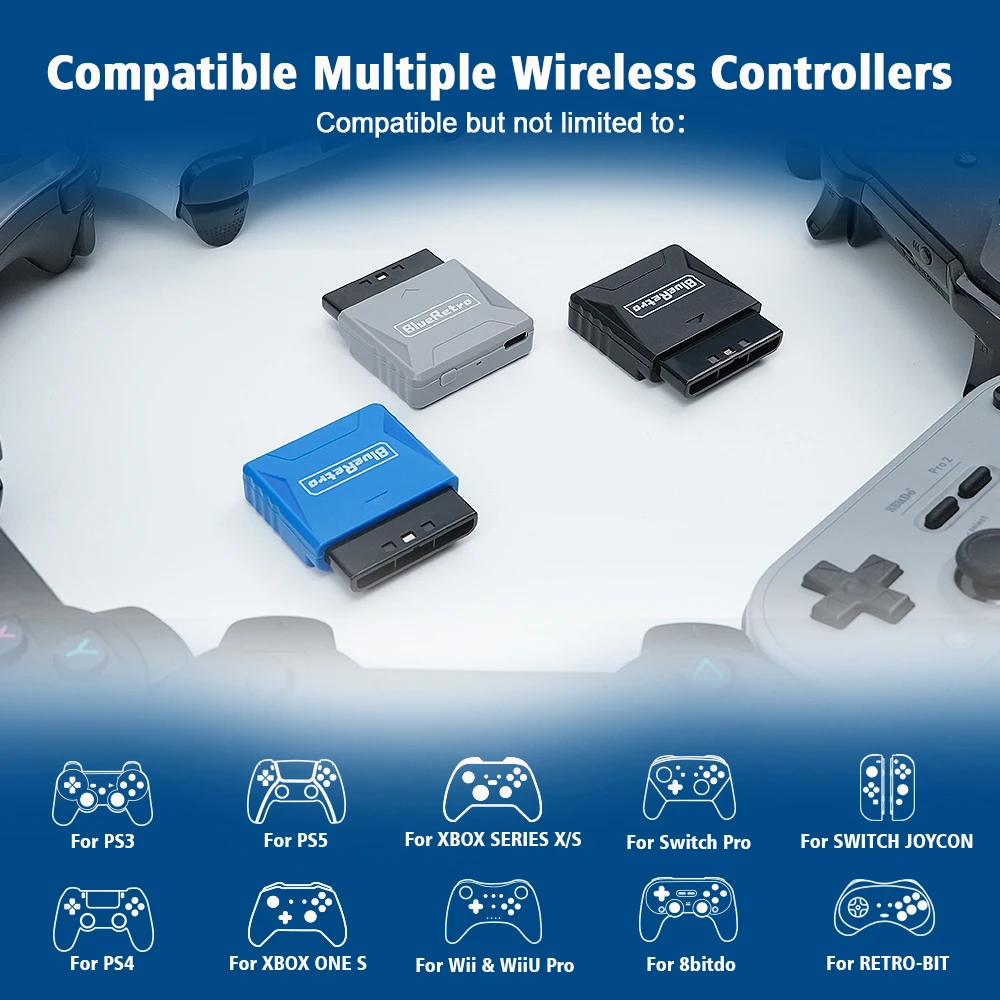
Conpatibles Wireless Controller: PS3, PS4, PS5, Xbox One S, Switch Pro, Switch Joycon, Wii, 8Bitdo, Reto-bit, etc…
Electric: No
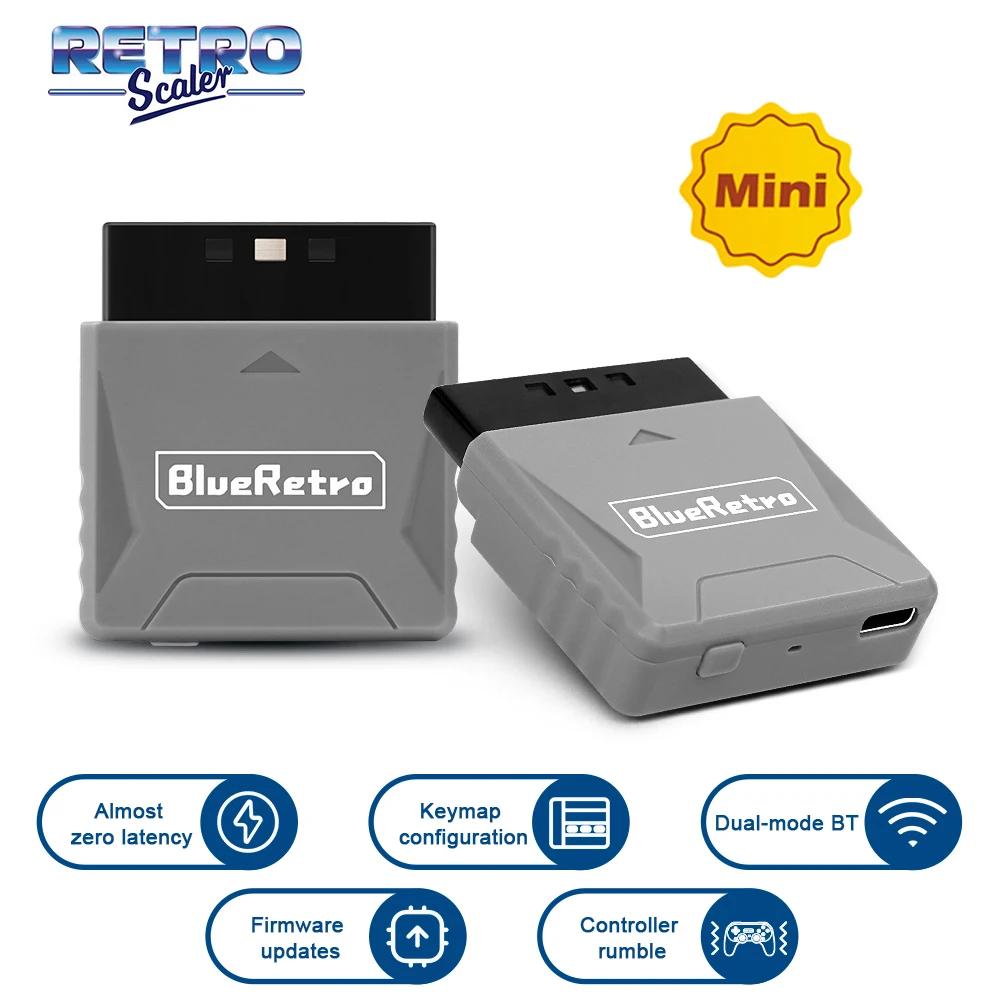
Function 1: firmware update
Function 2: Keymap configuration
Function 3: With vibration function
High-concerned chemical: None
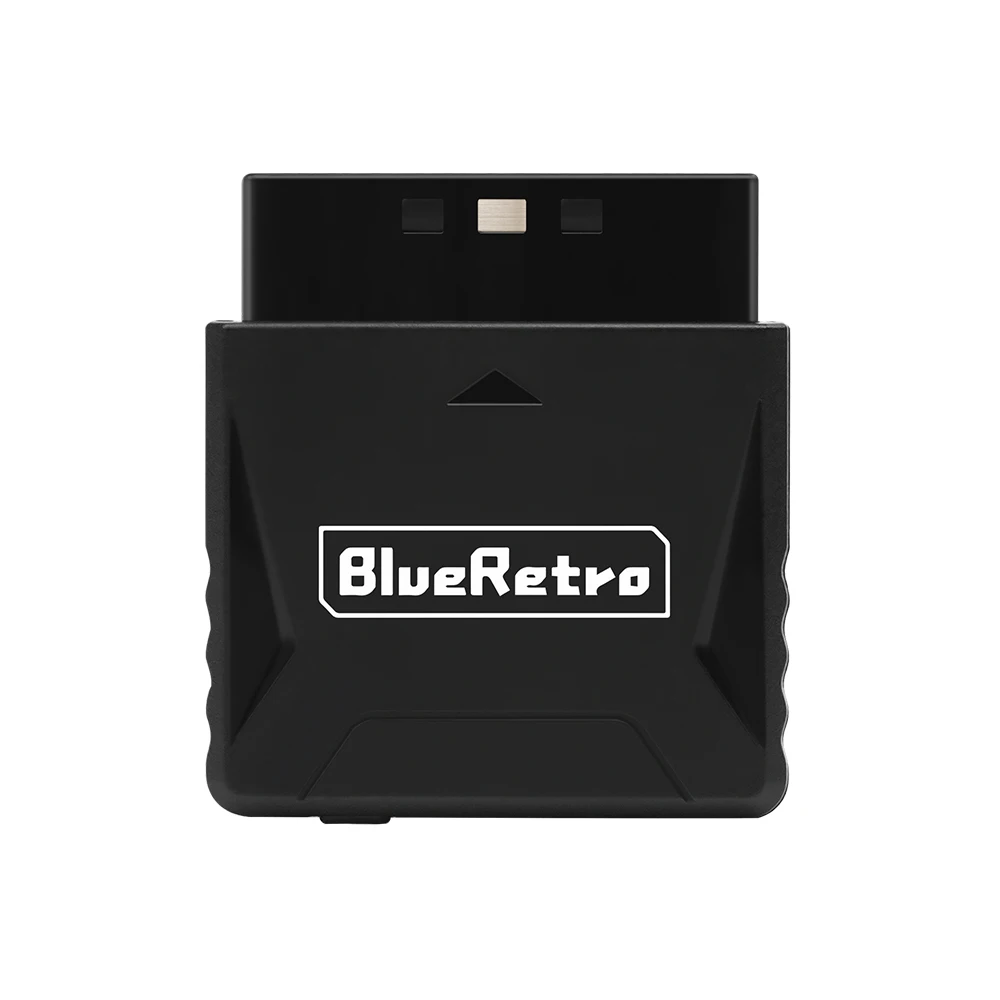
Item: RetroScaler BT Mini Blueretro
Model Number: RSBL-231101
Origin: Mainland China
Product: Wireless Game Controller Receiver
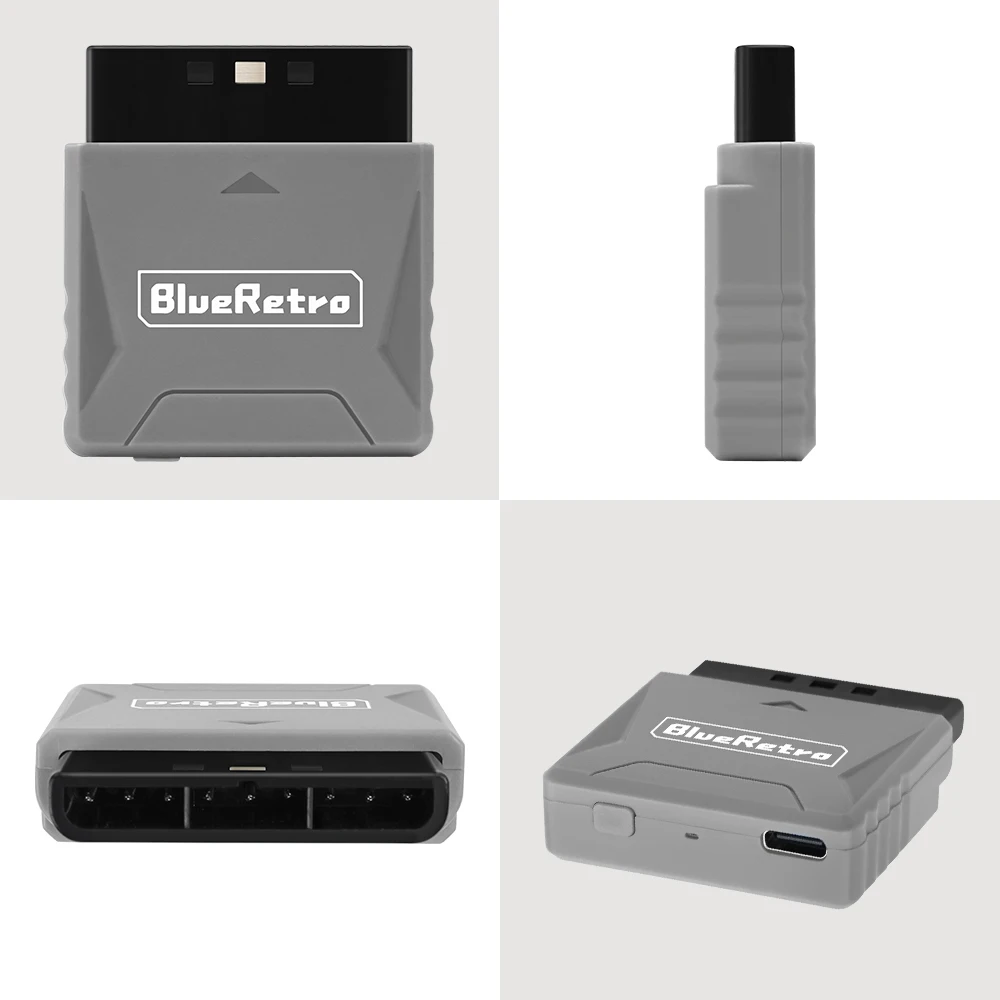
Size: 4.8cm X 4.4cm X 1.3cm
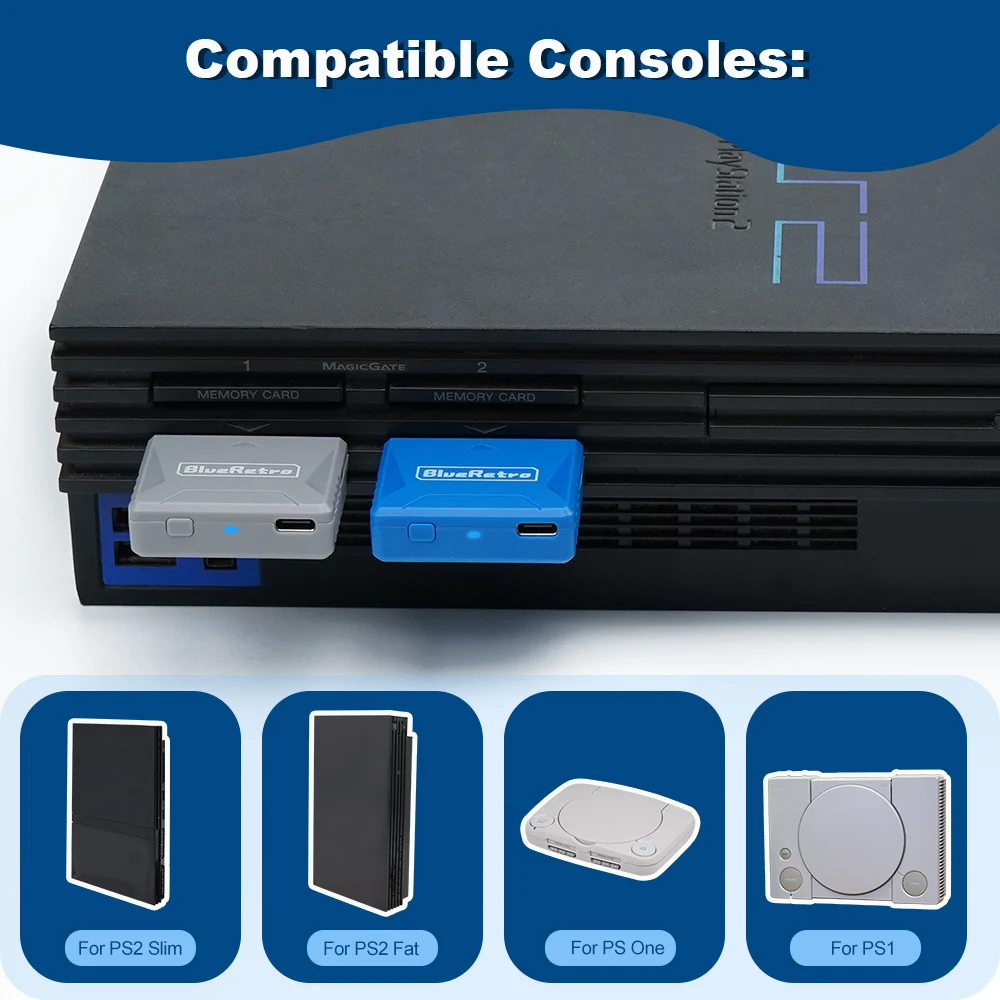
Supports Console: PS1, PS One , PS2
With: Type-C USB port
With USB: yes
is_customized: no
For product technical support:
1. Please join the RetroScaler Discord : discord.gg/aryJd43VWJ
2. Please visit RetroScaler Official Store to contact customer service.
( https://retroscalerretroscaler.aliexpress.com/store/1101511602?spm= )
3. E-mail :[email protected]
4. Visit RetroScaler on Youtube to see more videos of the product in use.
( https://www.youtube.com/@RetroScalerOffcial)
RetroScaler Mini Blueretro Receiver Adapter for PS1 PS One PS2 Compatible with 8bitdo PS4 PS5 Xbox Series X Wireless Controller
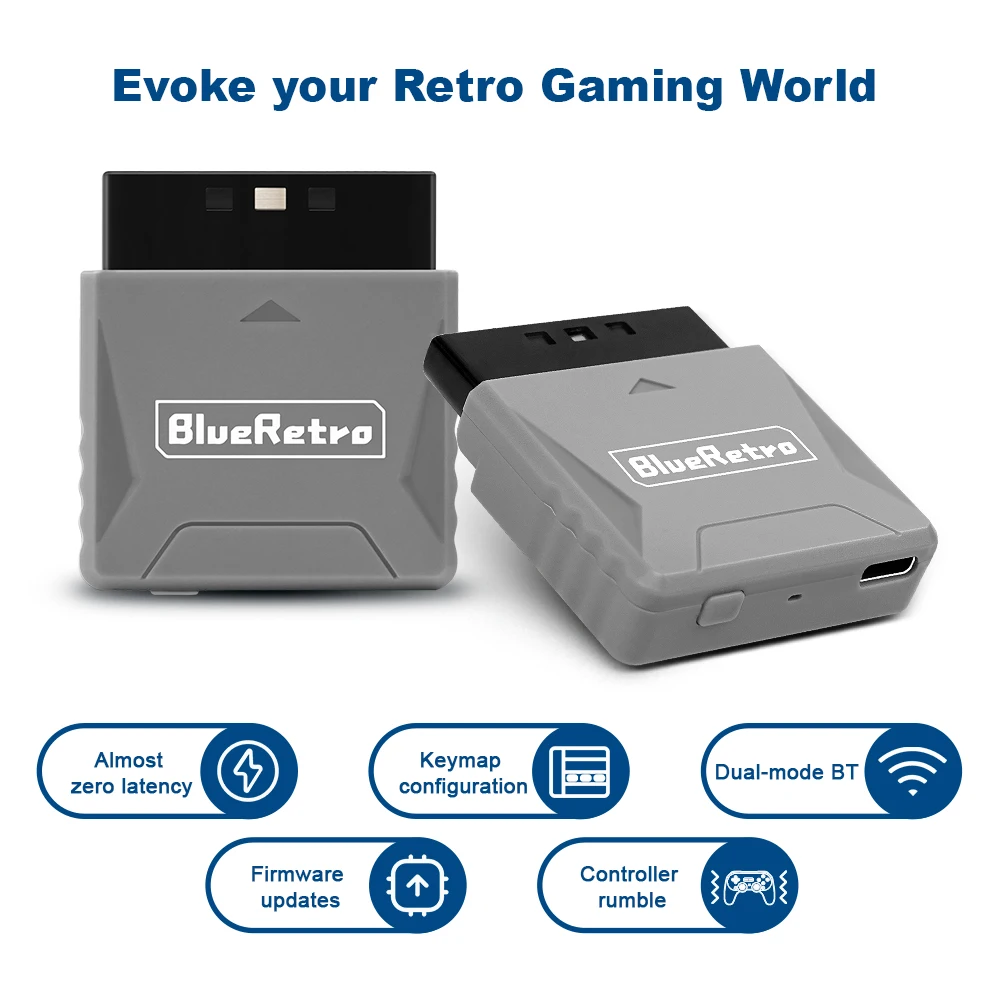
This device is a wireless controller adapter for PS1&PS2 consoles. Compatible with ultiple Bluetooth controllers. Support PS3 / PS4 / PS5 / Xbox One S / Xbox Series X|S /Wii / Wii U Pro Switch Pro / Switch Joycon / 8bitdo / Retro-Bit Wireless Controller, etc…
Based on the open source project [darthcloud](https://github.com/darthcloud/BlueRetro), built using the popular ESP32 Chip.
NOTICES:
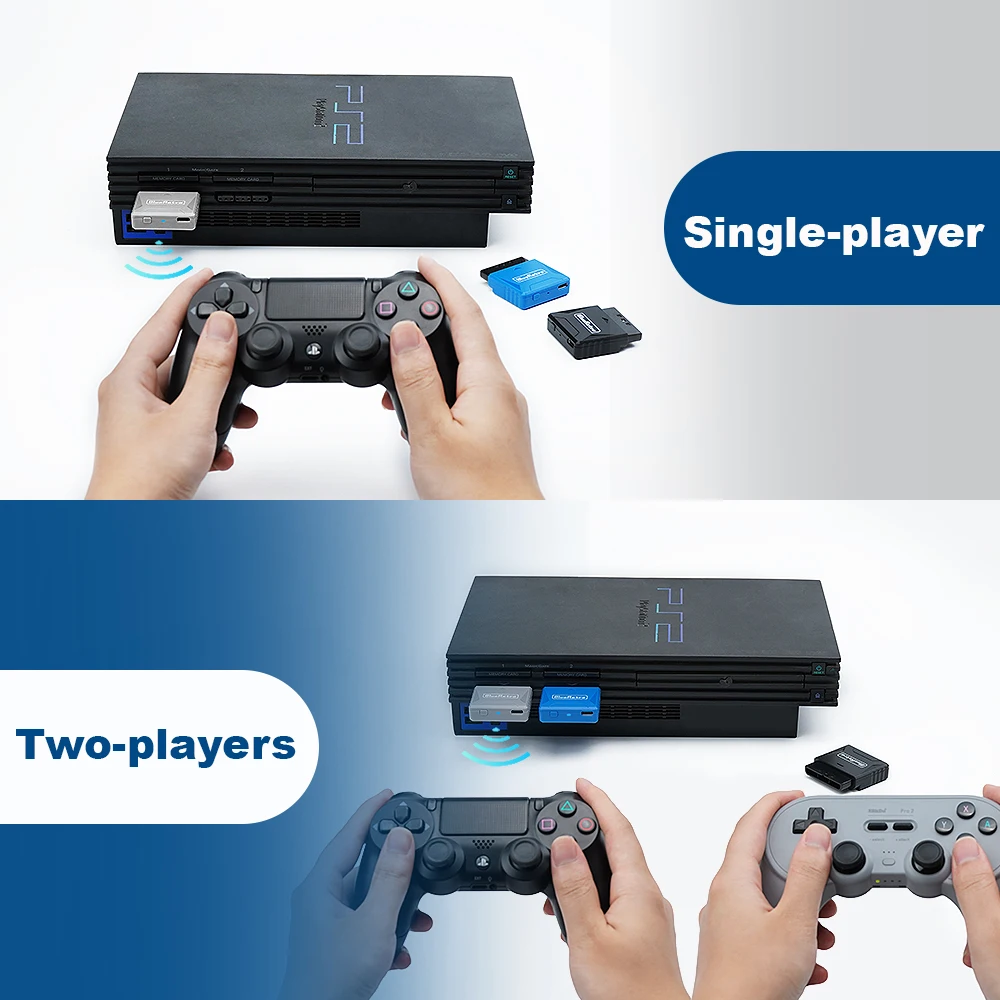
1. A Mini PS1/PS2 Blueretro adapter can only be connected to one wireless controller at a time.
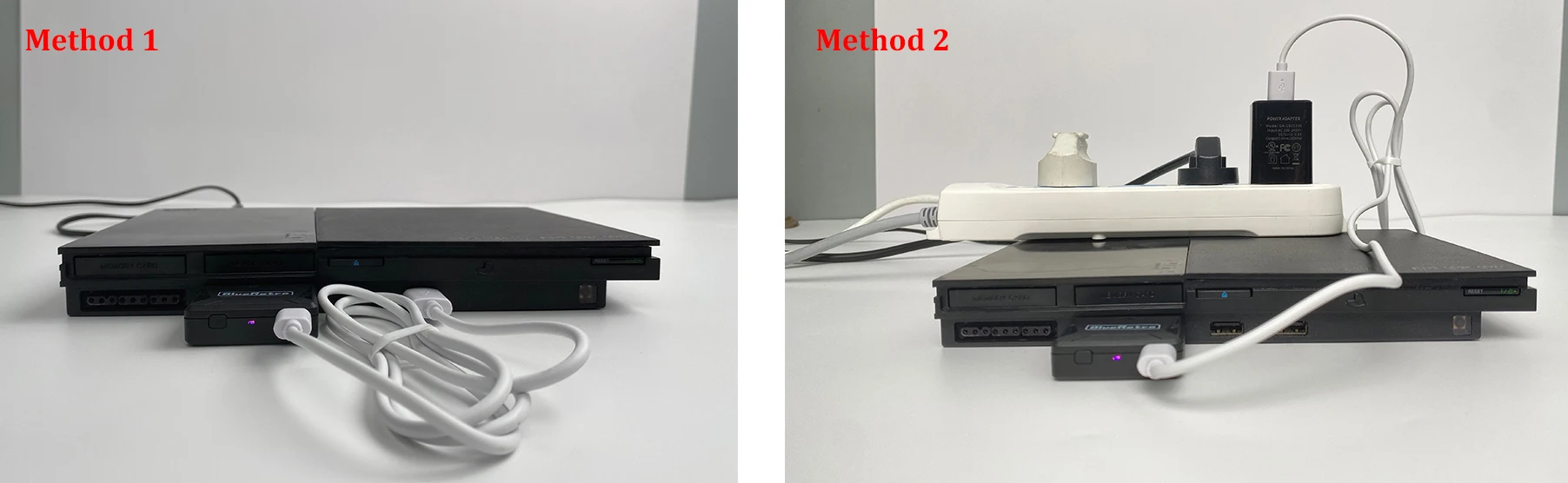
2. The power supply of some old PS1/PS2 console controller interfaces may not be normal due to some reasons, causing the Mini PS1/PS2 Blueretro converter to not work. In this case, you can use the micro USB port to power the Mini PS1/PS2 Blueretro.
3. The Mini PS1/PS2 Blueretro can't support the game Call of Duty 2 /3 for now.
4. The Mini PS1/PS2 Blueretro doesn't compatible with 2.4g wireless controllers.
5. For PS3 wireless controller , only support original version.
6. The 8bitdo m30 controller is in joystick mode by default. Please press and hold the "Up" + "Select" keys on the controller for about 5 seconds to switch it to D-pad mode to solve the button non-working problem.
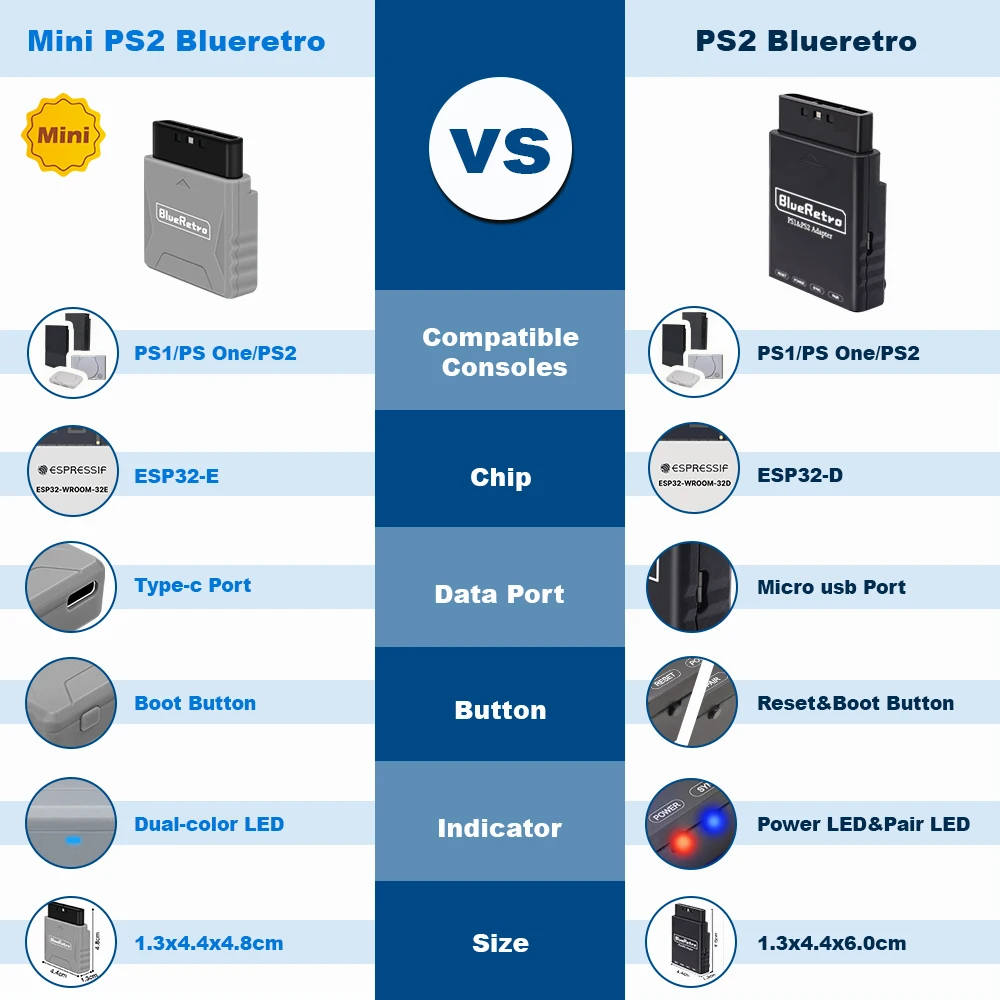
Video for Configure key-value:https://hackaday.io/project/170365-blueretro/log/180020-web-bluetooth-ble-configuration-interface
About the Firmware Upgrade Operation: https://github.com/RetroScaler/Single-Blueretro-FW/releases
1. Press and hold the PAIR button before connecting the Blueretro adapter to the PC with a USB cable.
2. If the PC cannot recognize the adapter, please try to install the CH340 driver in the PC.
More Controller Pairing Guide:https://github.com/darthcloud/BlueRetro/wiki/Controller-pairing-guide
**For PS3 wireless controller, only support original official version. 
Compatible with all PS1 and PS2 consoles.

An adapter can only be connected to one wireless controller at a time.
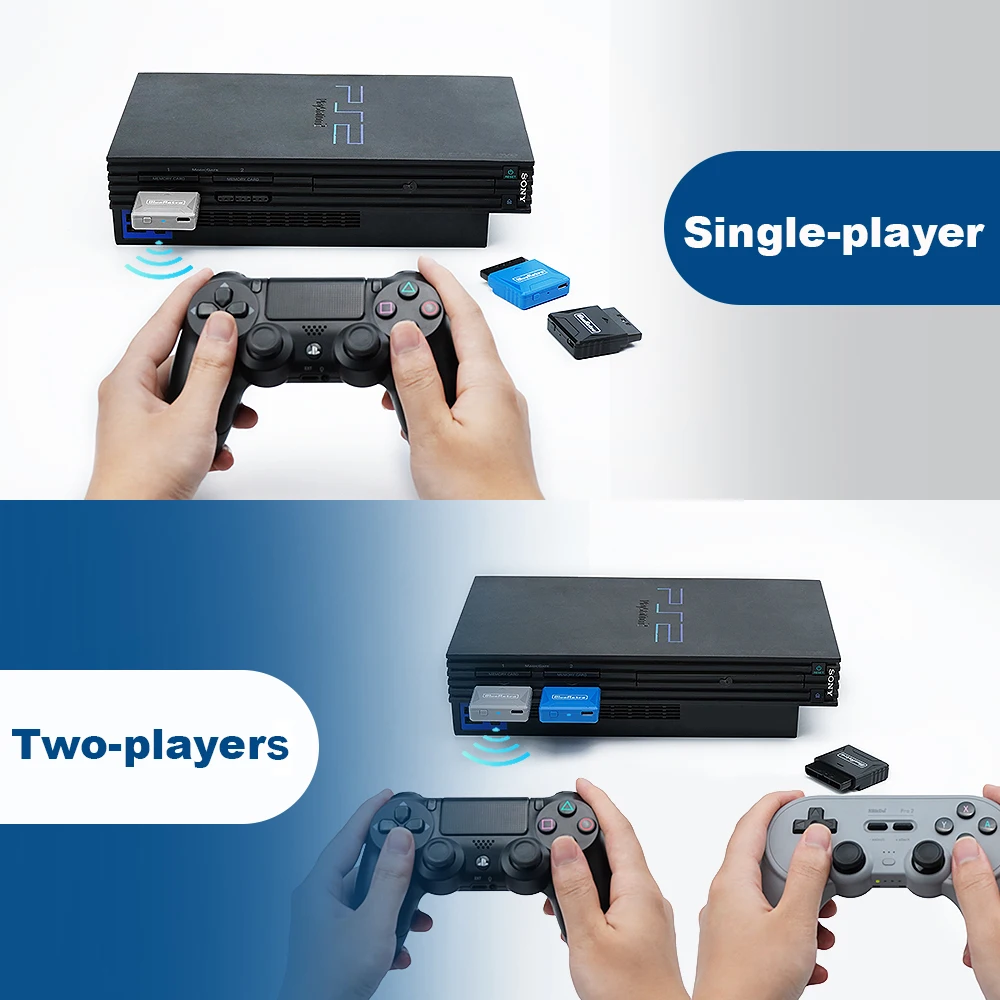
Ultra-low latency offers you an amazing gaming experience smoothly.

Features
1) Compatible with all PS1 and PS2 consoles.
2) Support Firmware updates.
About the Firmware Upgrade Operation: https://github.com/RetroScaler/Bluereteo-PS
2.1) Press and hold the PAIR button before connecting the Blueretro adapter to the PC with a USB cable.
2.2) If the PC cannot recognize the adapter, please try to install the CH340 driver in the PC.
3) Supports controller rumble function.
4) Almost zero latency: all compatible controllers have very low transmission latency. According to
the test results, the delay of PS4 and PS5 controllers is less than 6ms.
5) Compatible Xbox One S / Xbox Series XS / Wii / Wii U Pro / Switch Pro/ Switch Joycon / 8bitdo / Retro-Bit PS3 / PS4 / PS5 Wireless Controller.
More Controller Pairing Guide: https://github.com/darthcloud/BlueRetro/wiki/Controller-pairing-guide
6) The button mapping settings can be configured through Web Bluetooth pages.
(Nothing need to be installed beside having a Google Chrome based browser.)
Video for Configure key-value: https://hackaday.io/project/170365-blueretro/log/180020-web-bluetooth-ble-configuration-interface
Package Includes
1x A Mini PS1 PS2 Blueretro Adapter
1x User manual
1x Type-c cable
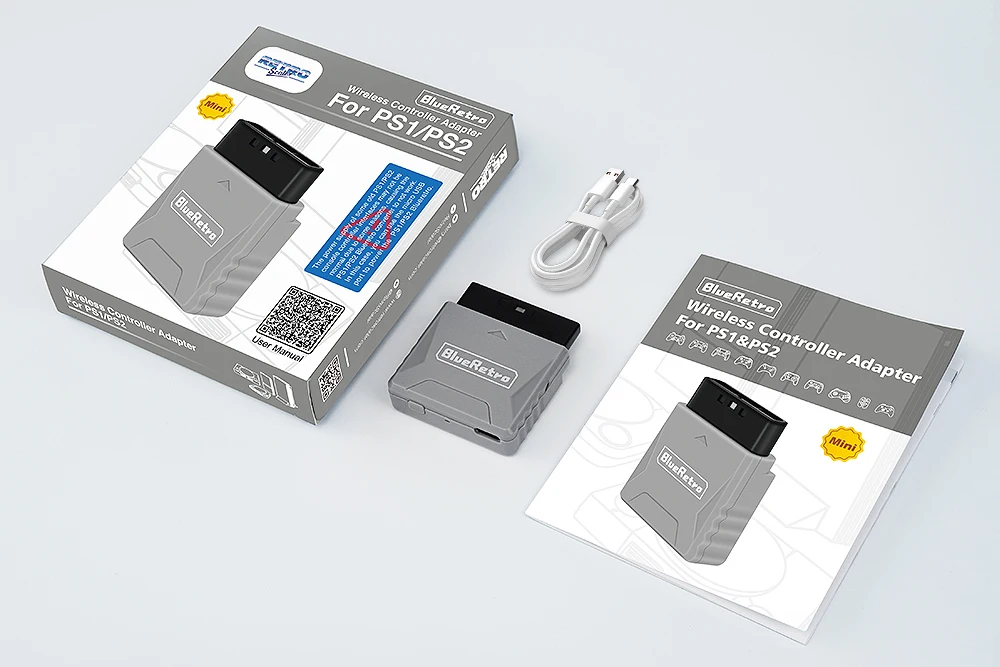
Product Display
Reviews
There are no reviews yet.